MiVue C330 Software Update
Firmware Version: VJ34.08.75.BE1OS/font>
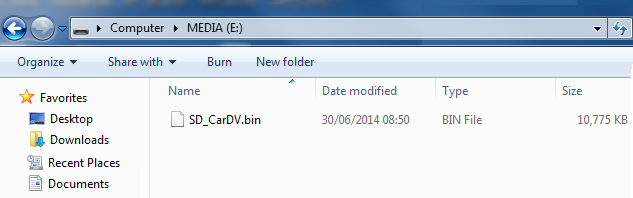
Firmware Version: VJ34.08.75.BE1OS/font>
RELEASE NOTE:
Update VJ34.08.75.BE1OS – What’s New
- Added warning message to detect faulty SD card
Before you begin:
- Please ensure your device has a full battery and that it has a constant charge during the update process.
- Save any previous video recordings you have on the Micro SD card to your computer.
- The SD card used for the update needs to be formatted through a PC before starting the update.
Update Steps:
1. Insert your Micro SD card into a card reader/adaptor and connect to your PC. Delete any files and folders off the Micro SD card (format) so that it's blank.
3. Copy & paste the .bin file onto the blank Micro SD card. Do not create any folder.
4. Insert the Micro SD card into your device, switch on to update firmware. Please note, this can take several minutes to complete.
5. The firmware update will now install and once finished, the device will switch off automatically.
6. Remove the SD card and switch the device on.
7. Please format the SD card using a card reader/adapter before re-inserting the SD card into your device and using this to record your next journey.
8. Check the version: Enter the settings menu --> System --> Version.
Please note:
- Installing the latest firmware will reset the Safety Cameras to the factory default version.
- We do advise installing the latest safety camera update after this software update has successfully installed on your MiVue.